Model
TripoSG
Reconstructed from a single photo with TripoSG in 3D Mate, then printed as a solid, watertight piece. Same file, straight to the slicer, no repair.
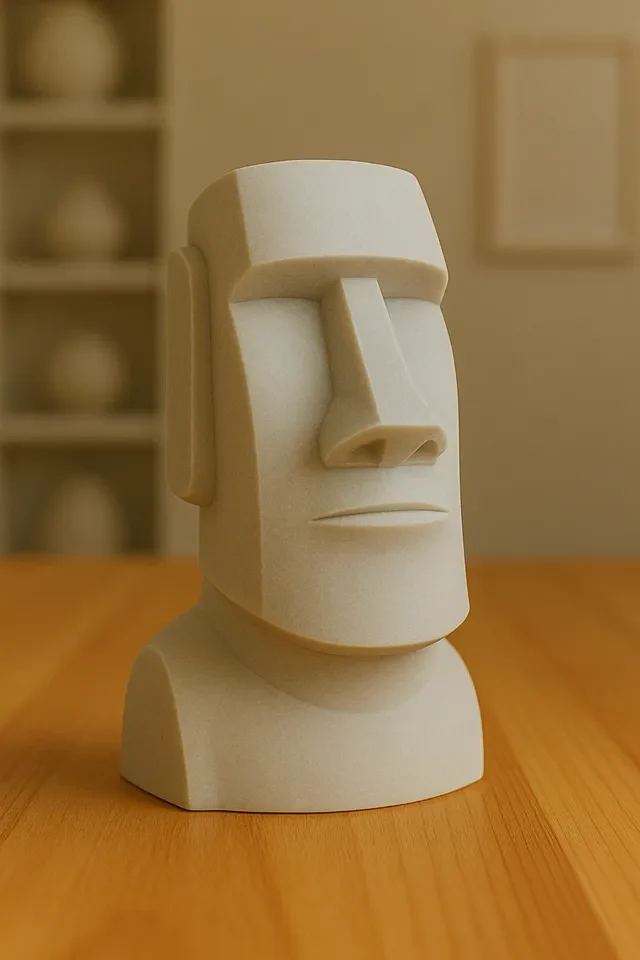
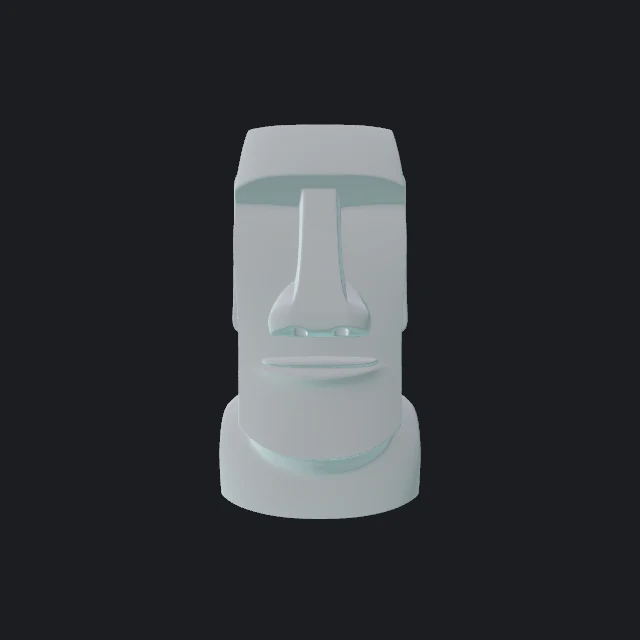
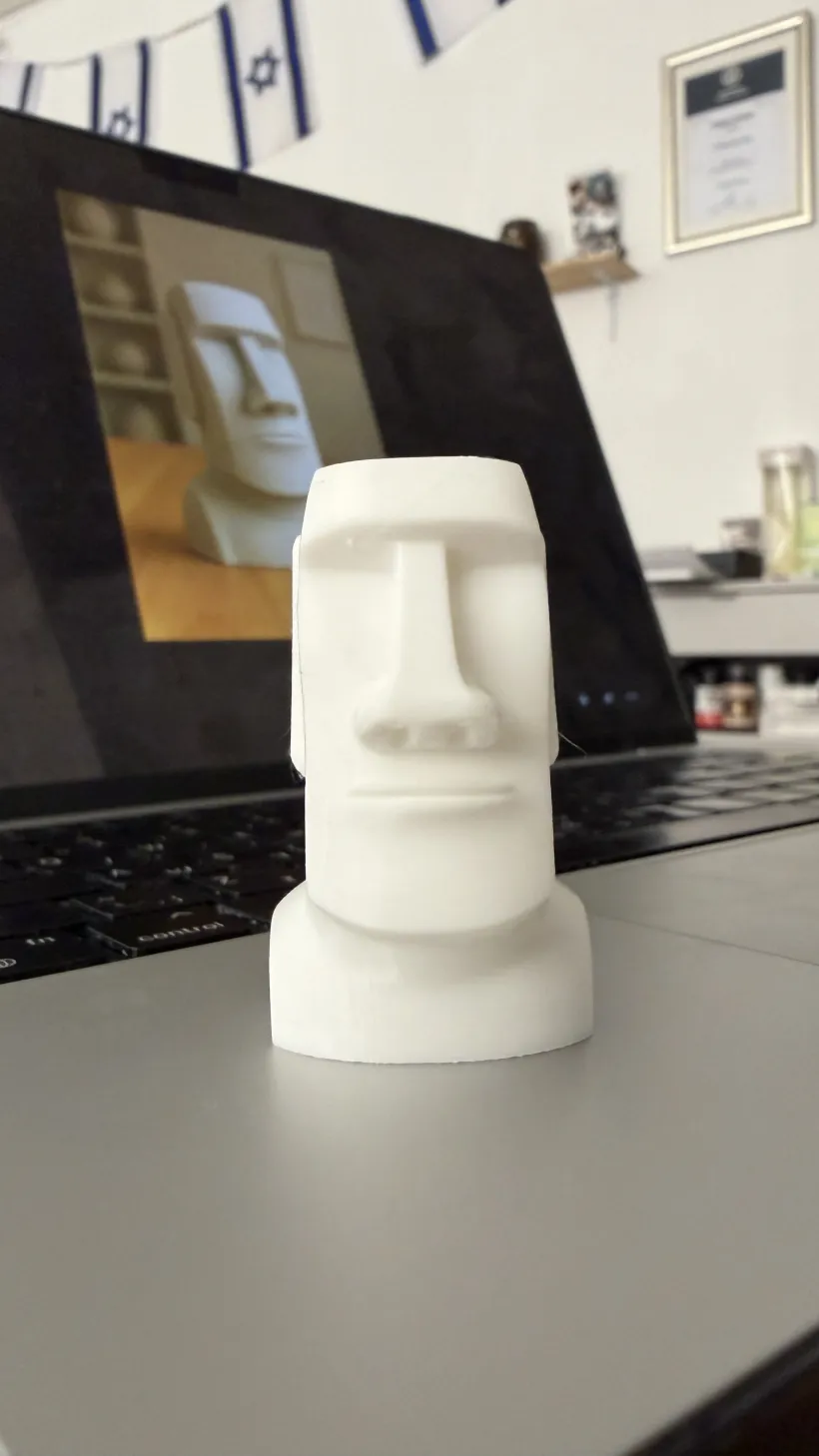
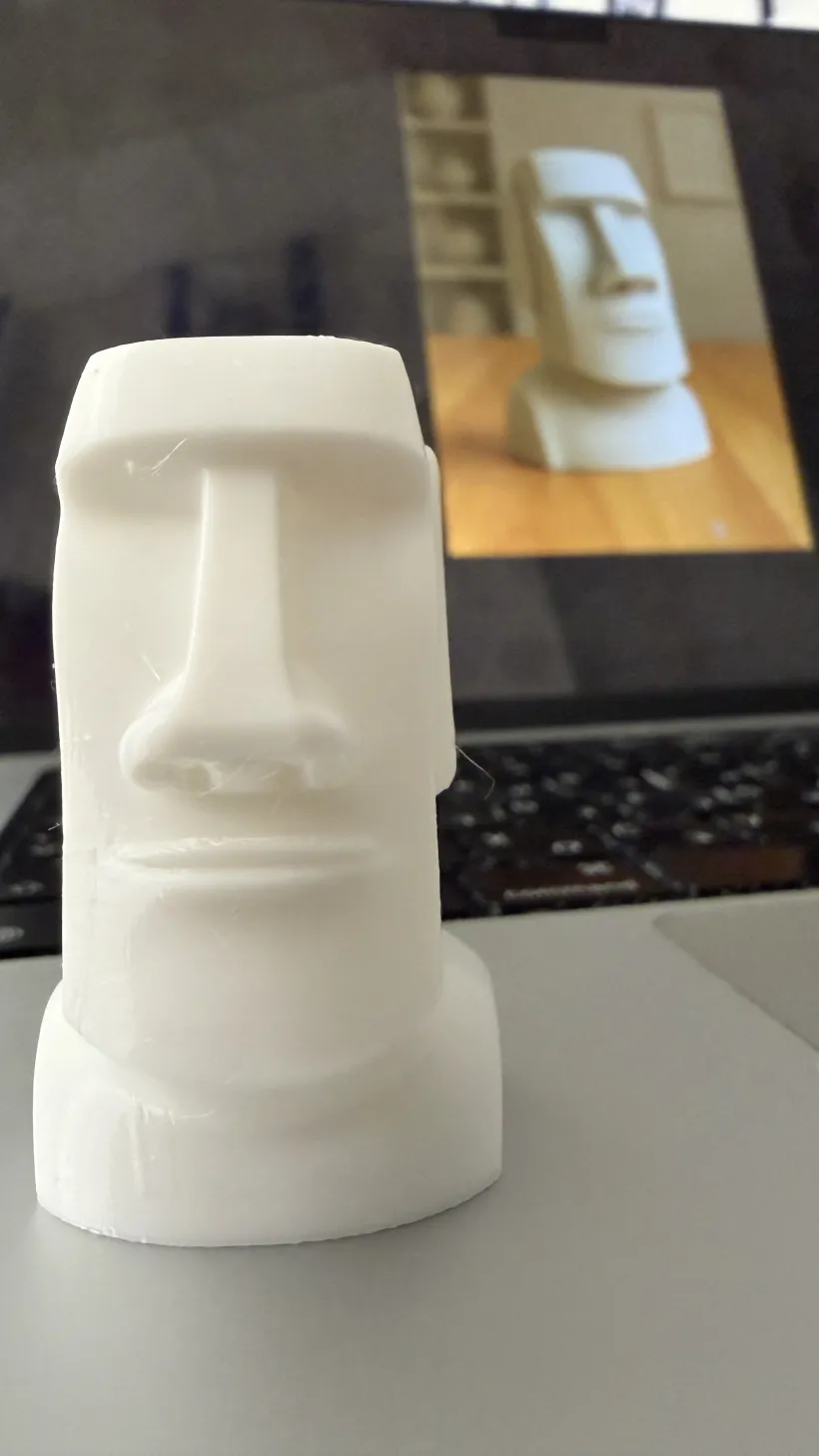
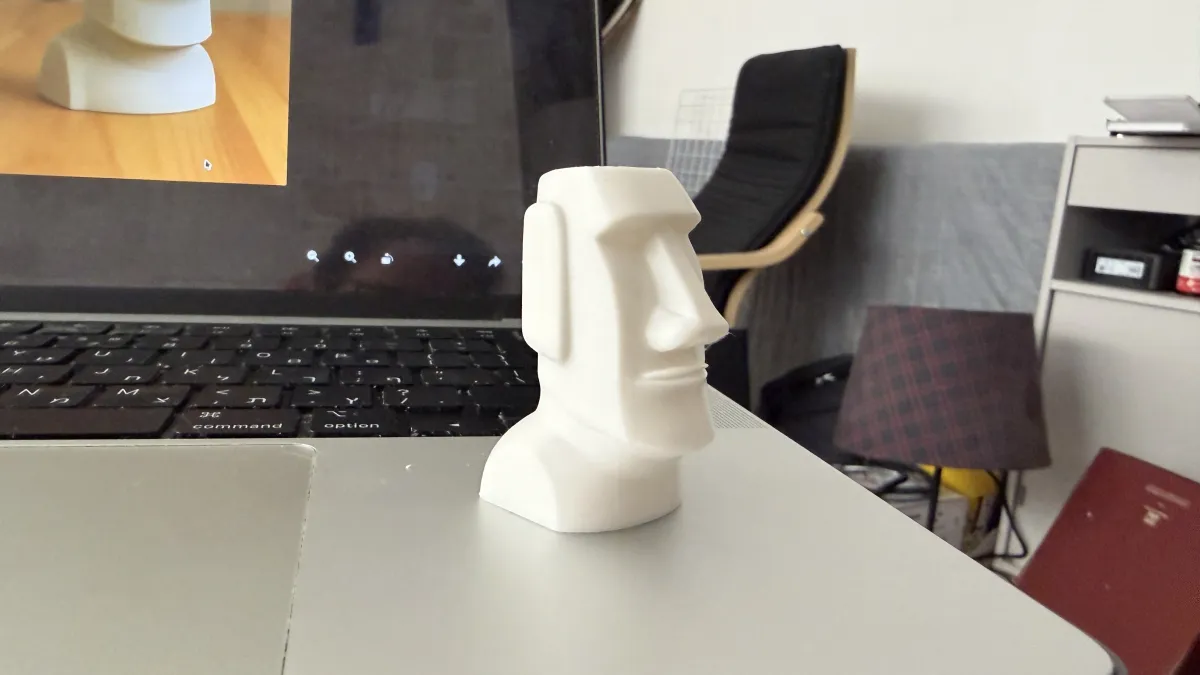
TripoSG produces the cleanest, sharpest geometry of any model here, a good fit for a smooth, rounded subject like this. One clear, front-on photo was enough to rebuild it as a printable solid.
One clear photo works. Own the object? Photo Scan measures its real shape from a set of photos or a video, built into macOS. Souvenirs, figurines, parts, anything for the bed.
Drop the photo in and pick TripoSG for a sharp, watertight reconstruction. It runs on your Mac and you can check the shape in clay before printing.
Export 3MF or STL, open it in your slicer, scale to size, add supports if needed, and print. See the 3D printing guide for the full walkthrough.