Which AI models can I use?
TRELLIS.2 4B, TripoSR, TripoSG, Stable Fast 3D, and Meta's SAM 3D Objects all run today, with the newer engines marked Alpha. Hunyuan3D-2 is coming. Photo Scan is built in. You install the ones you want from inside the app and switch between them any time.
Why would I want more than one model?
They are good at different things. A fast one gives you a draft in under a minute. A detailed one takes longer and gives you the shape you ship. Some run on 8 GB, others want 24 GB or more.
Can I scan a real object I own?
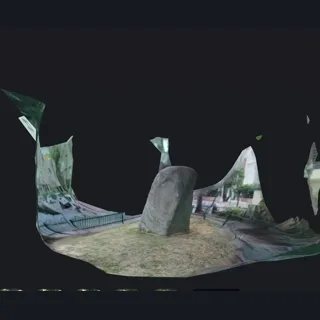
Yes. Photo Scan uses Object Capture, built into macOS, to measure a real object from many photos of it, instead of guessing from one. Film it from every angle, or shoot a slow orbit video, then export USDZ or OBJ. It downloads nothing and runs on the first launch.
Does it work with Finder?
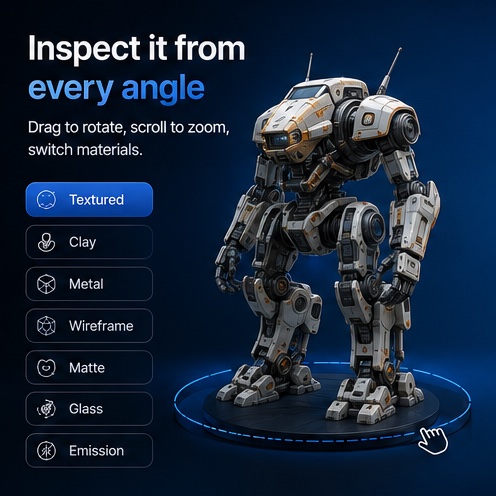
Like a first-class Mac app. 3D Mate opens GLB, glTF, OBJ, STL and PLY files with its own branded icons and renders a real thumbnail of each model. Press the space bar on one for an interactive preview, drag to orbit, scroll to zoom, right there in Finder, no app to open.
Is it one image, several, or a video?
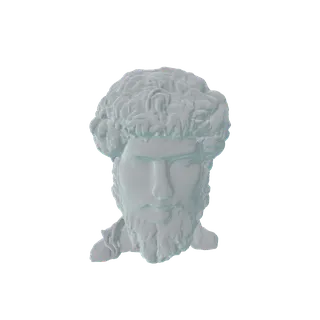
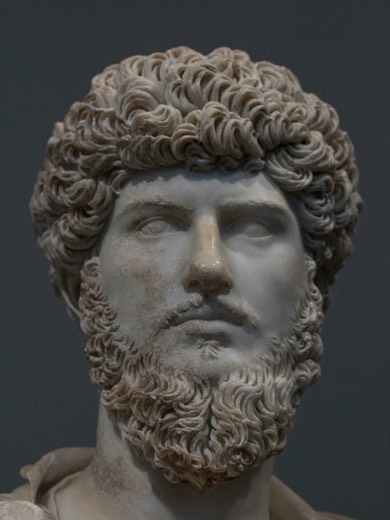
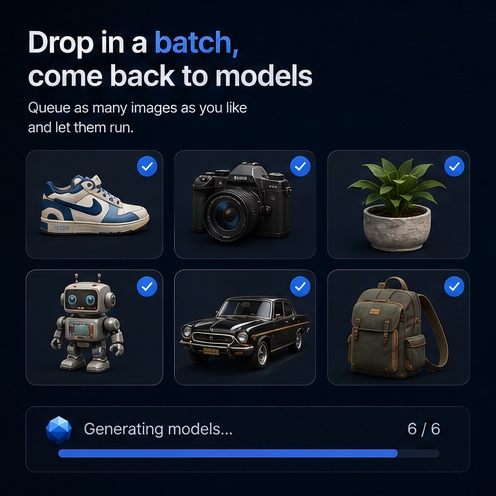
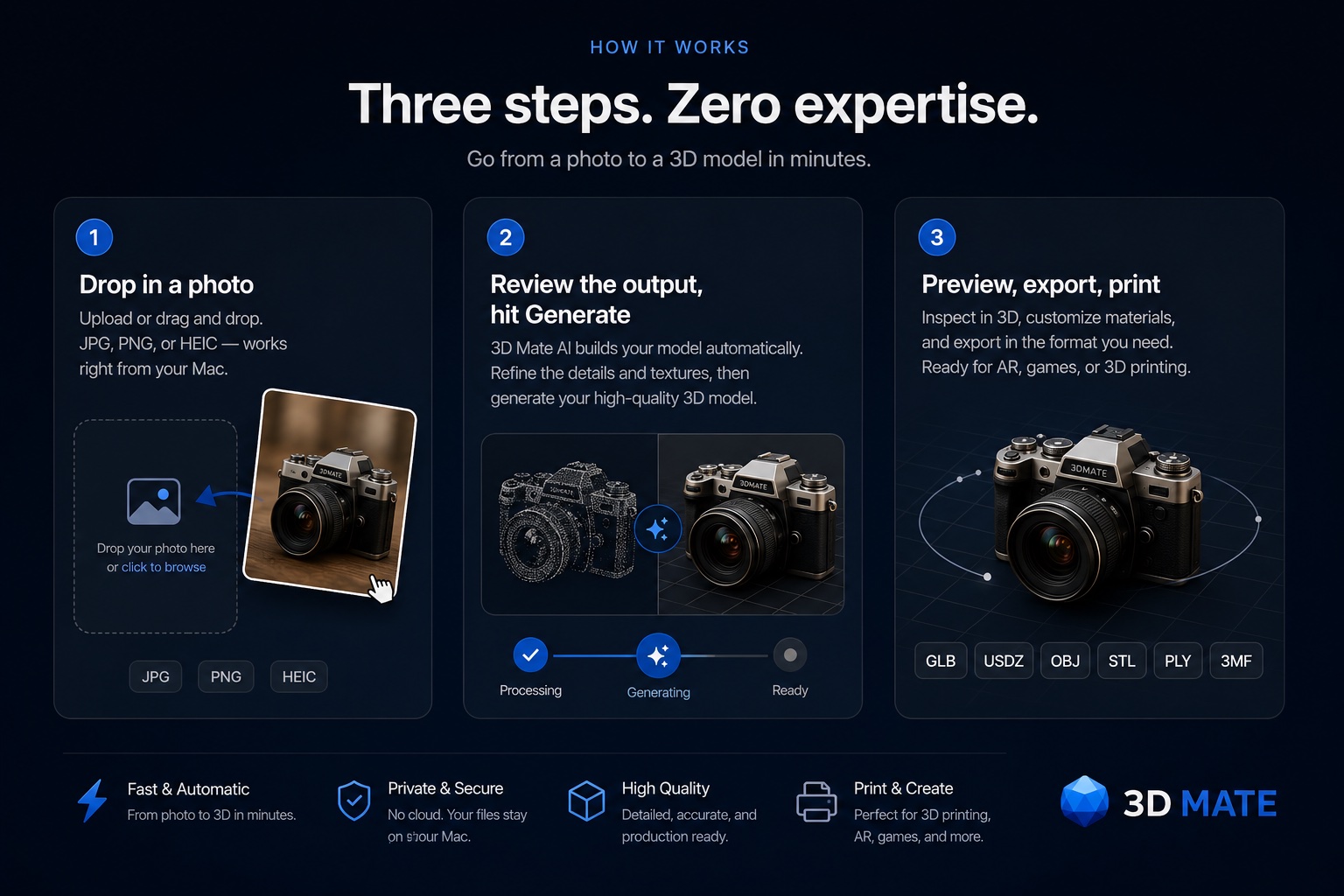
Any of them. One photo, several angles of the same object for a truer model, or a video and 3D Mate pulls the frames. Open many files at once and it asks whether they are one object or several. Or queue a folder of different objects and walk away.
Are there generation credits or limits?
No. Your Mac does the work, so there is nothing to meter. Generate as much as you like.
How do I get 3D Mate?
Download it from 3dmate.app and open it, no account needed. It is free to try, and you buy a Yearly or Lifetime licence from inside the app or on the pricing section when you are ready.
What do I need to run 3D Mate?
A Mac with Apple Silicon (M1 or newer) on macOS 15 or later. Everything else installs from inside the app, onto a drive you choose. No terminal, no setup.
Will it run on my Mac?
Any Apple Silicon Mac (M1 or newer) on macOS 15 or later. Memory decides which engines you can run. The chip decides how fast.
| Unified memory |
For example |
What you can run |
| 8 GB | M1–M4 MacBook Air, base Mac mini | TripoSR, for fast drafts |
|---|
| 16–18 GB | M1 or M2 Pro at 16 GB, M3 Pro at 18 GB | Adds Stable Fast 3D and TripoSG |
|---|
| 24 GB | M4 Pro, 24 GB Air or mini | Adds TRELLIS.2 4B and SAM 3D Objects |
|---|
| 32–36 GB | M1 or M2 Pro/Max at 32 GB, M3 Pro at 36 GB | Every shipping engine at its recommended spec |
|---|
| 48 GB and up | M3 or M4 Max, any Ultra | Everything, including Hunyuan3D-2 with texture |
|---|
It is
free memory that counts, so closing a few apps helps.
How much memory and disk does each model need?
Memory is the limit. The download is a one-time cost.
| Model |
Minimum |
Recommended |
On disk |
| TripoSR (alpha) | 8 GB | 16 GB | ~11 GB |
|---|
| Stable Fast 3D (alpha) | 16 GB | 24 GB | ~13 GB |
|---|
| SPAR3D (alpha) | 16 GB | 24 GB | ~17 GB |
|---|
| TripoSG (alpha) | 16 GB | 32 GB | ~16 GB |
|---|
| TRELLIS.2 4B | 24 GB | 32 GB | ~16 GB |
|---|
| SAM 3D Objects (alpha) | 24 GB | 32 GB | ~15 GB |
|---|
| Hunyuan3D-2 (soon) | 24 GB | 32 GB | ~15 GB |
|---|
You only download the engines you install. Below 48 GB, Hunyuan3D-2 gives you its shape without texture.
Is there a free trial?
Yes. Download and use the full app free to try, no account and no card. When you are ready, a Yearly or Lifetime licence unlocks it for good and removes the export watermark. Never credits or per-model fees.
Does anything leave my Mac?
No. Everything runs on your Mac. The app measures nothing about you or your work, and only goes online to fetch models you ask for and to check for updates. One thing to be straight about: this website counts visits, without cookies or tracking. That is the site, not the app.
Does 3D Mate work offline on Mac?
Yes. Once the app and a model are installed, 3D Mate runs entirely offline on your Mac. Every engine (TRELLIS.2, TripoSG, TripoSR, SPAR3D, Stable Fast 3D, SAM 3D Objects and more) generates on-device, with no internet connection and no cloud account. You can switch off Wi-Fi and keep working.
How long does a generation take?
The fast model takes under a minute. On an M1 Pro, balanced quality takes 8 to 10 minutes and the highest setting about an hour. Newer chips are quicker.
Can I 3D print the results?
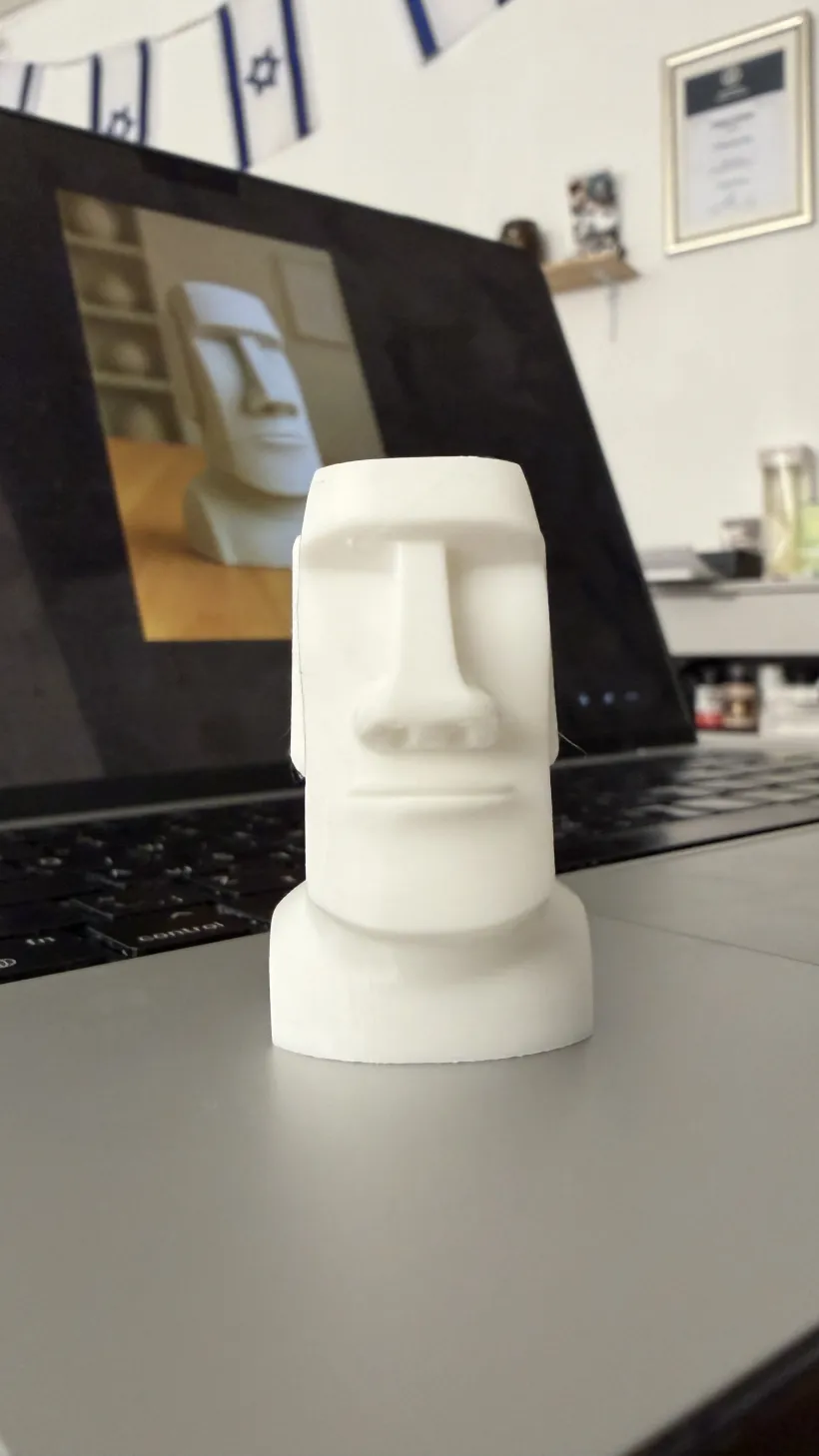
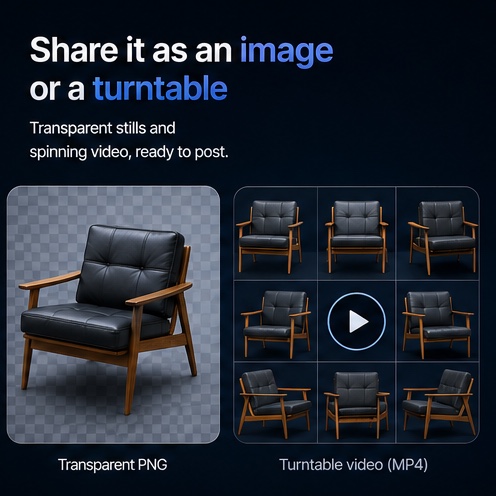
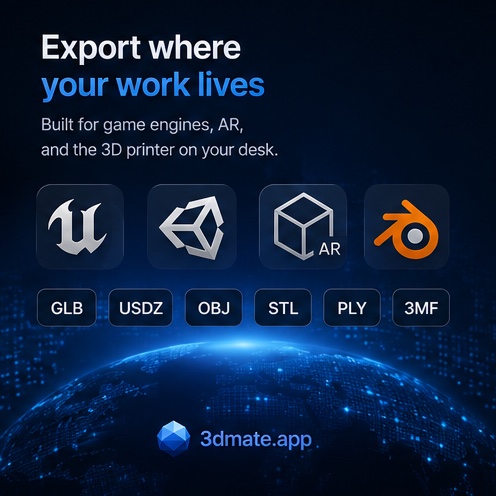
Yes. Export STL or 3MF and open it in your slicer. Models come out print-ready.
How does the app update?
It updates itself. Every update is signed and checked by Apple before it installs.
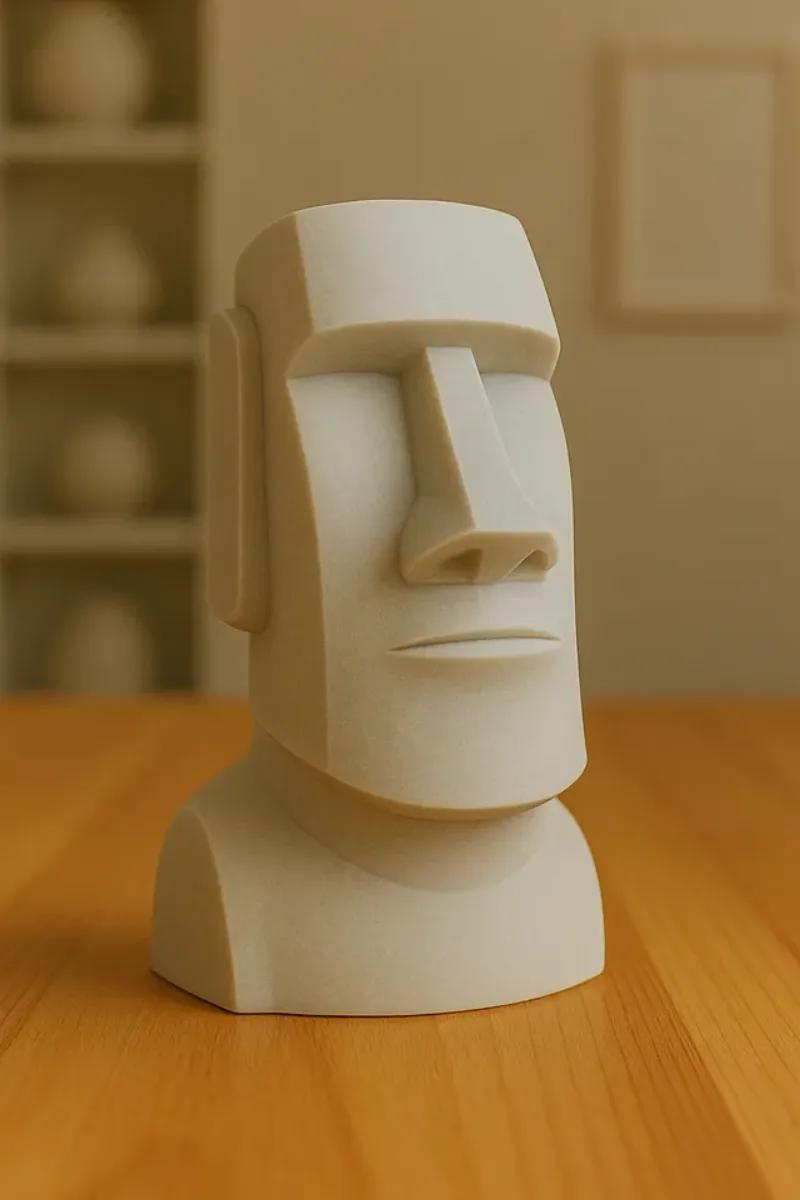
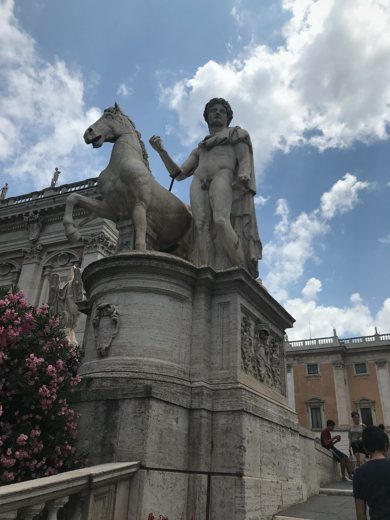
 Source photo