3D printing

From a photo to your 3D printer.

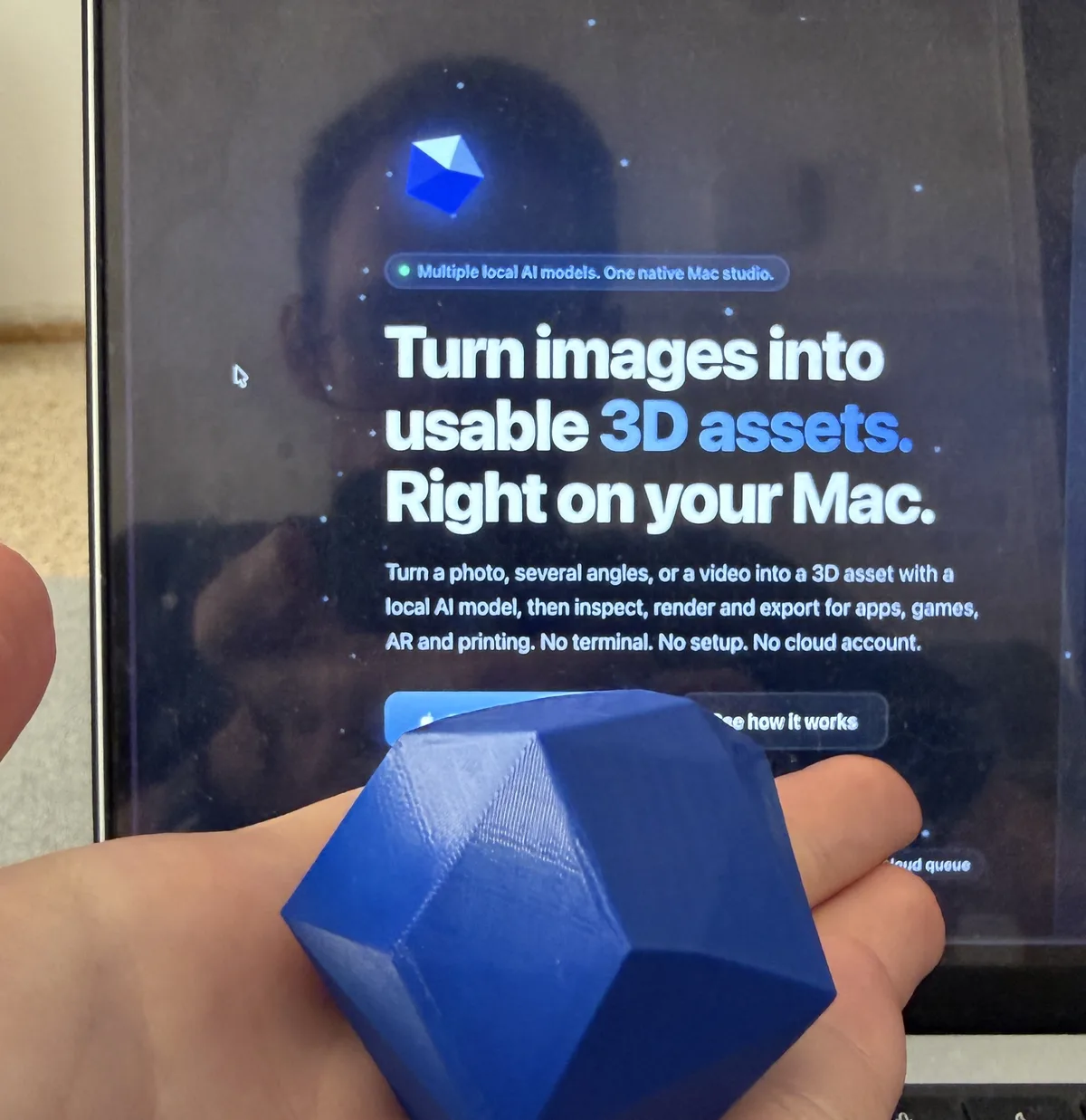
3D Mate turns a photo, several angles, or a full photo scan into a watertight, print-ready mesh on your Mac. STL and 3MF export upright, on the plate, at real millimetres. No scanner, no cloud credits.

Free to try. Requires macOS 15 or later on Apple Silicon.

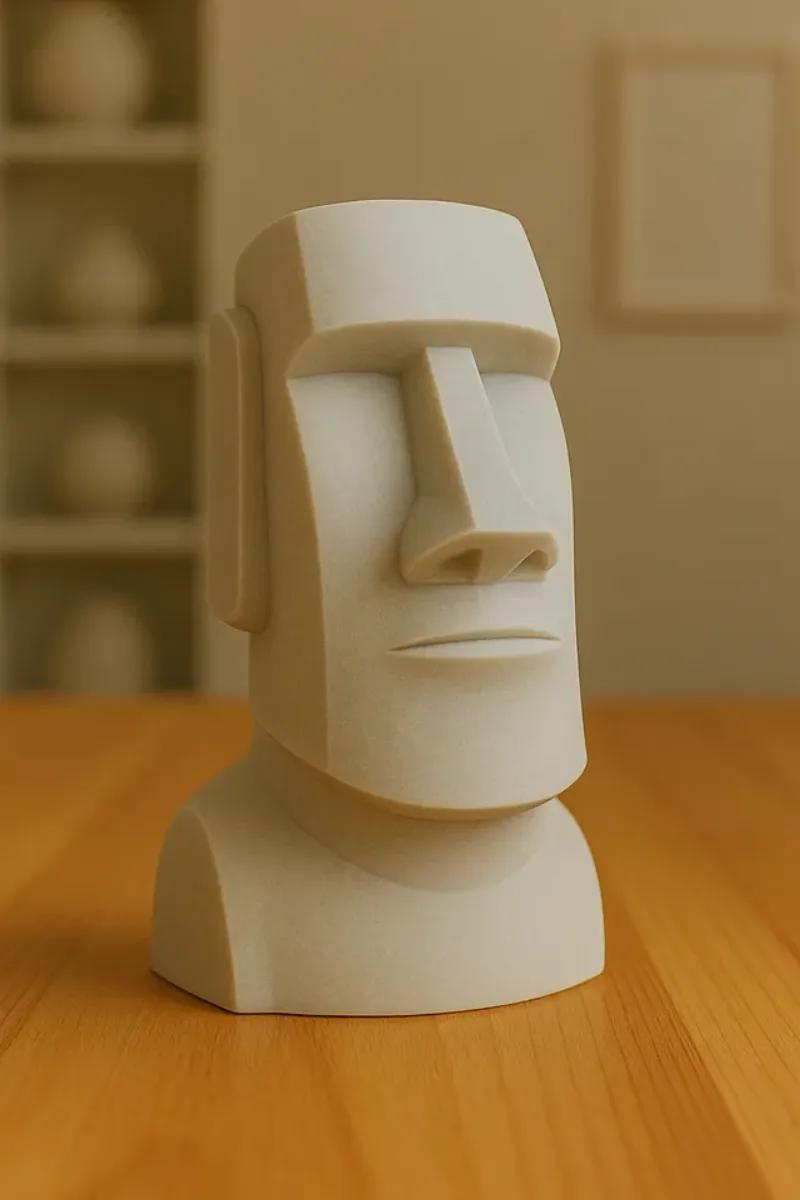
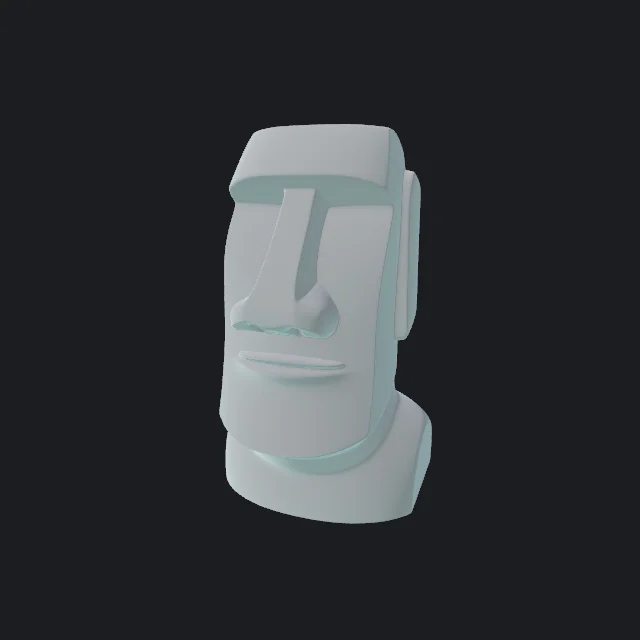
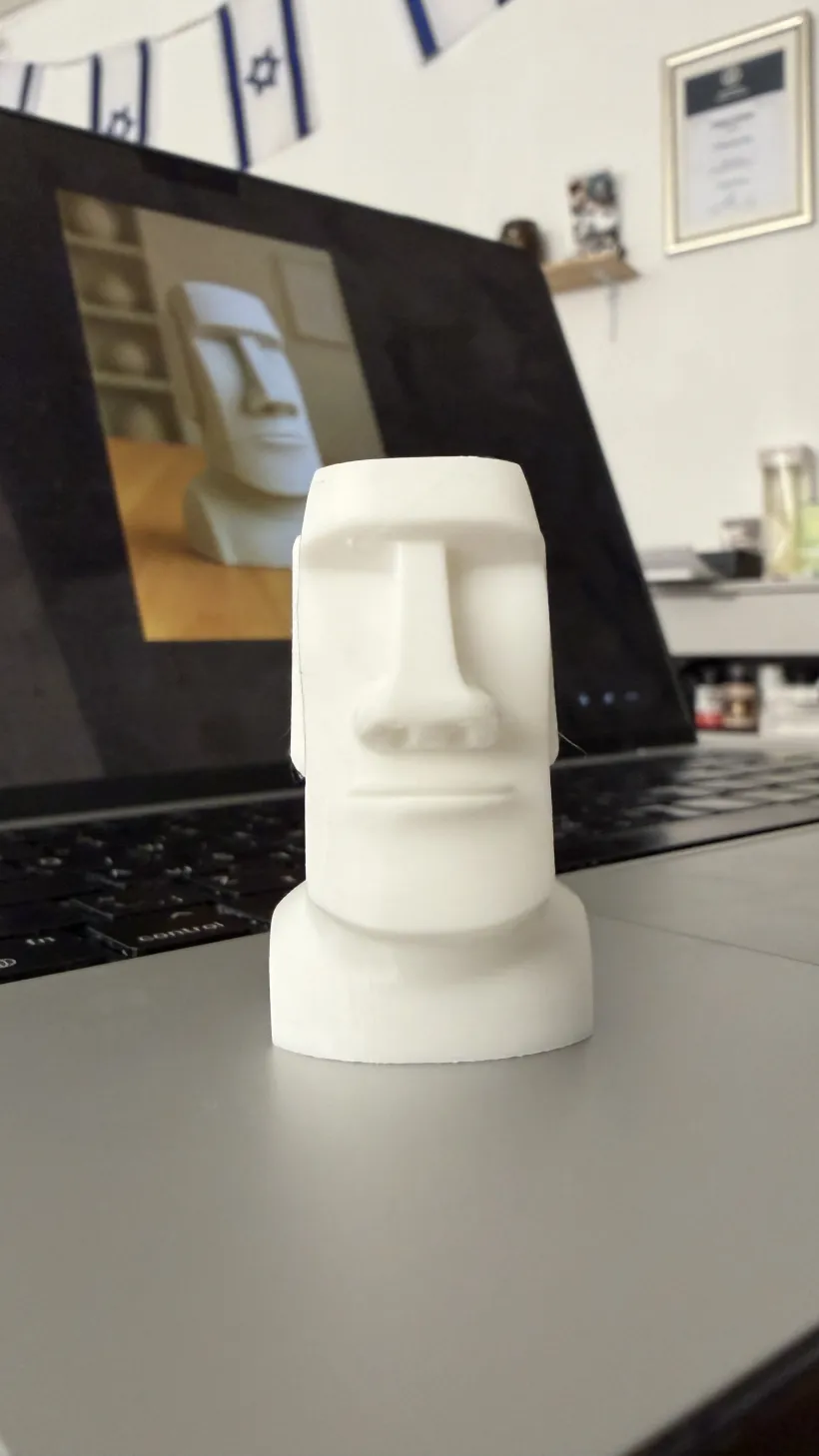
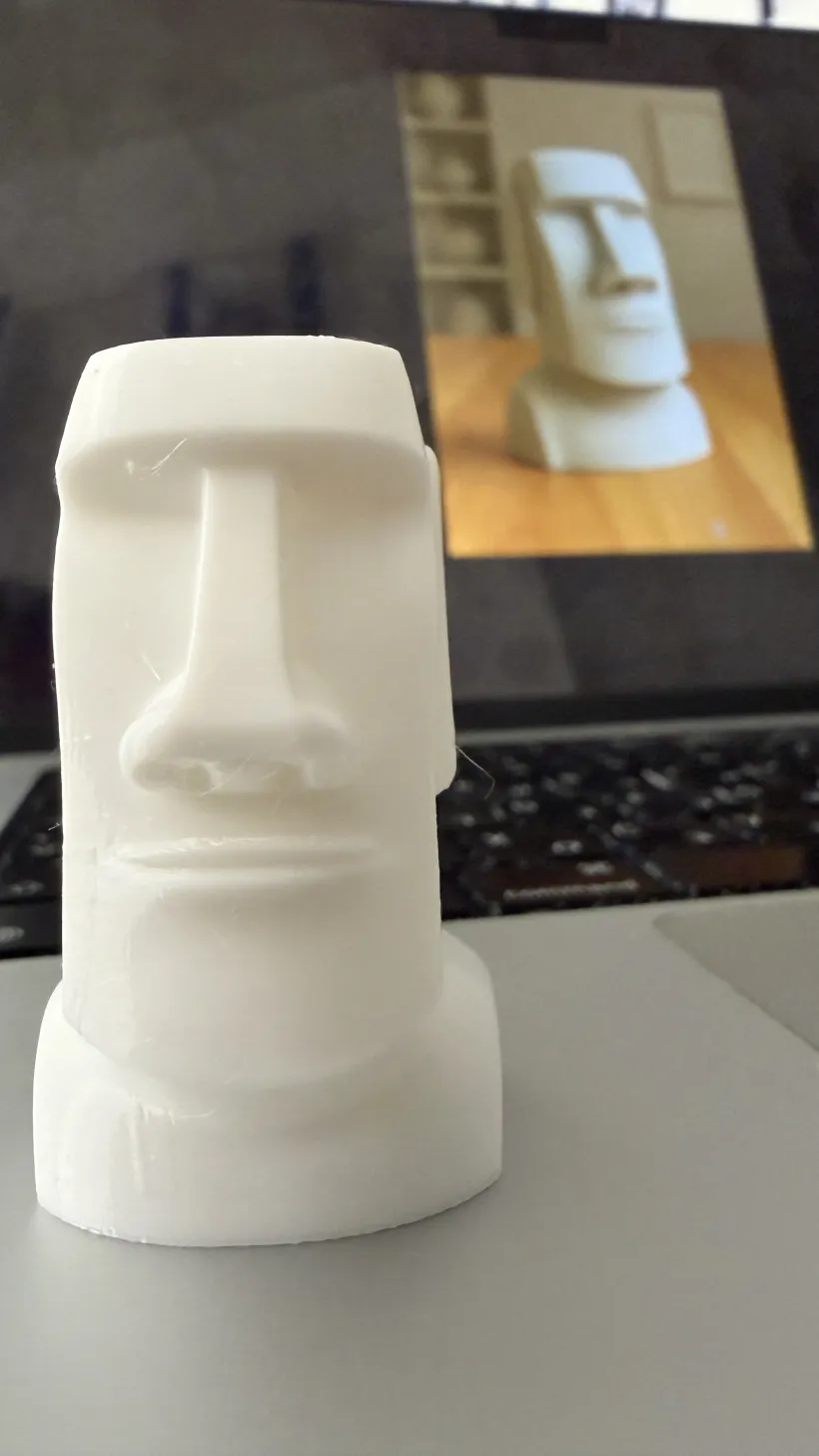
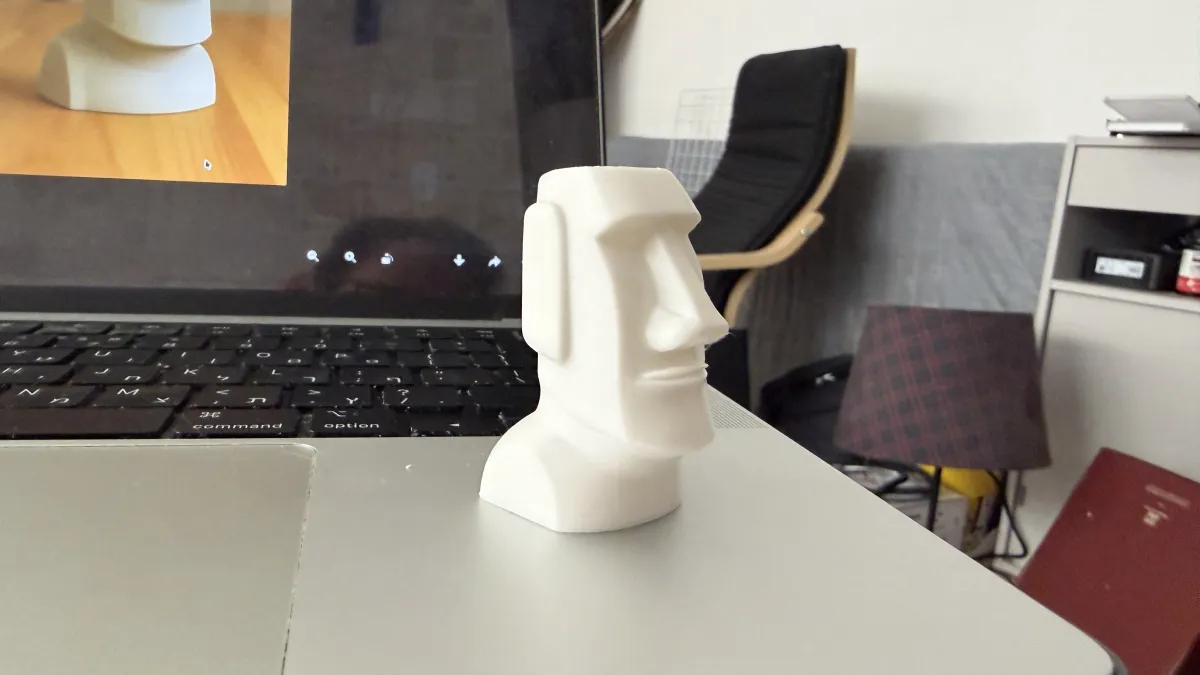
Generated by 3D Mate from the photo in the corner. Ready to slice.

Solid meshes, not hollow shells.

Printable geometry is not the same as pretty geometry. 3D Mate closes holes and exports meshes slicers accept without repair. Check the shape in clay before you spend filament.

STL
3MF
OBJ
PLY

Photo to print in three steps.

1

Photograph the object

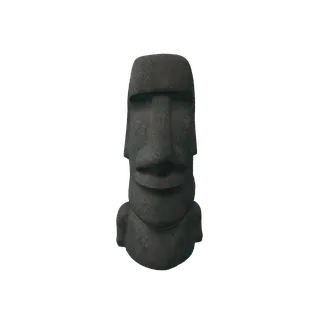
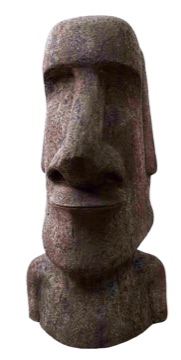
One clear photo works. Own the object? Photo Scan measures its real shape from a set of photos or a video, built into macOS. Figurines, souvenirs, parts, anything for the print bed.

2

Generate on your Mac

3D Mate cuts out the subject, reconstructs the geometry, and bakes the texture with on-device AI. Watch the live preview while it works.

3

Slice and print

Export 3MF or STL and open it in your slicer. Scale it, add supports if needed, and print.

3D printing questions, answered.

Can I 3D print a model made from a photo?
Yes. 3D Mate reconstructs a solid, watertight mesh and exports STL or 3MF upright, standing on the build plate, scaled to 100 mm, so it opens ready to slice in PrusaSlicer, Cura, or Bambu Studio.
Do I need a 3D scanner?
No. One clear photo is enough, and a few angles make the back more accurate. To capture a real object exactly, Photo Scan measures it from many photos or a video using Apple's Object Capture, built into macOS.
STL or 3MF, which should I use?
Use 3MF when your slicer supports it, since it carries units and orientation cleanly. STL works everywhere. 3D Mate exports both.
Does anything upload to the cloud?
No. Generation runs entirely on your Mac with Apple Silicon. Photos and models never leave your machine.

Print the things you can photograph.

Free to try, no account needed.