Model
Step1X-3D
A collectible pop-style figurine, generated from a single stylized image with Step1X-3D in 3D Mate and printed as one clean, watertight piece. Geometry only, so it prints in a single color, ready to prime and paint.
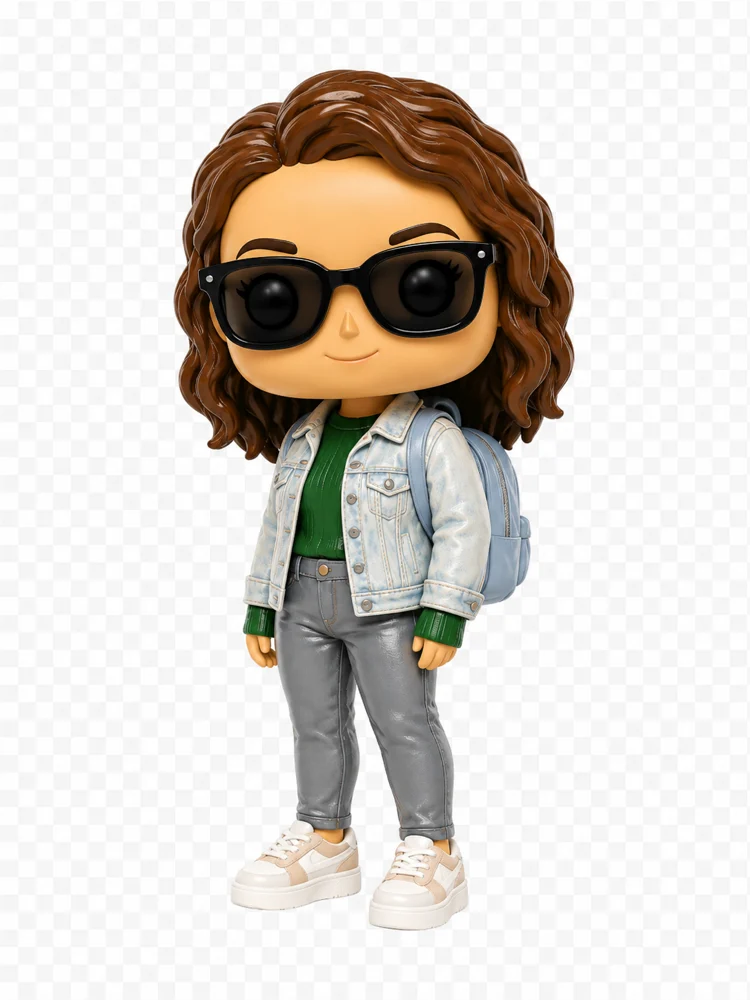
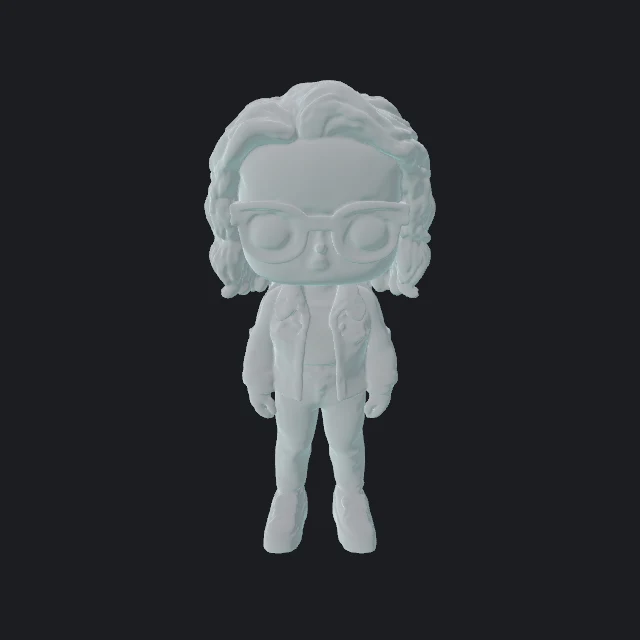
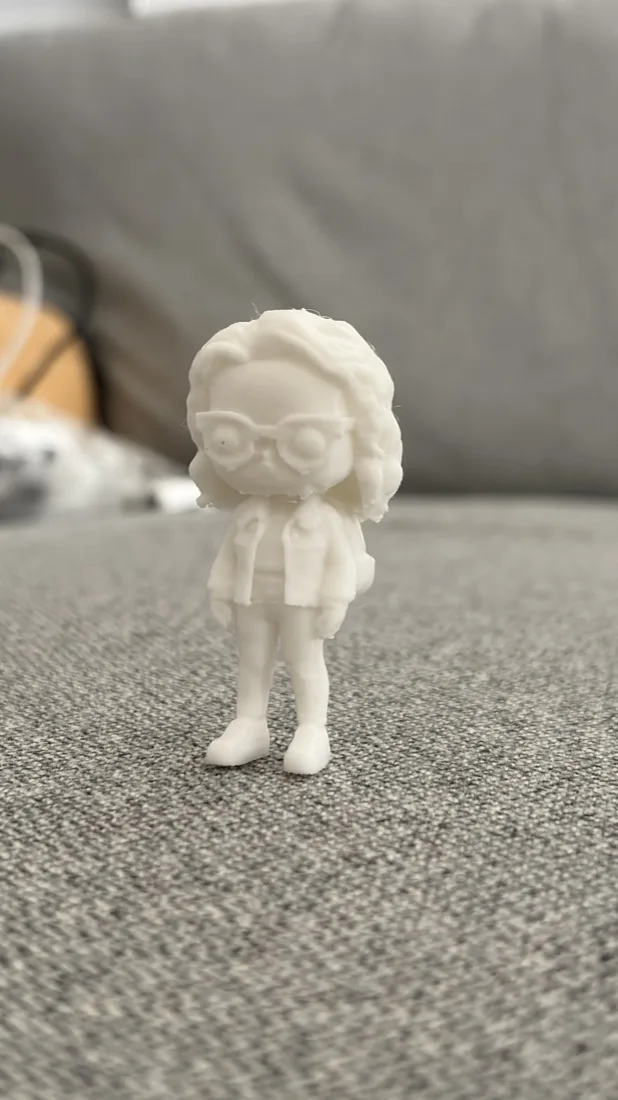
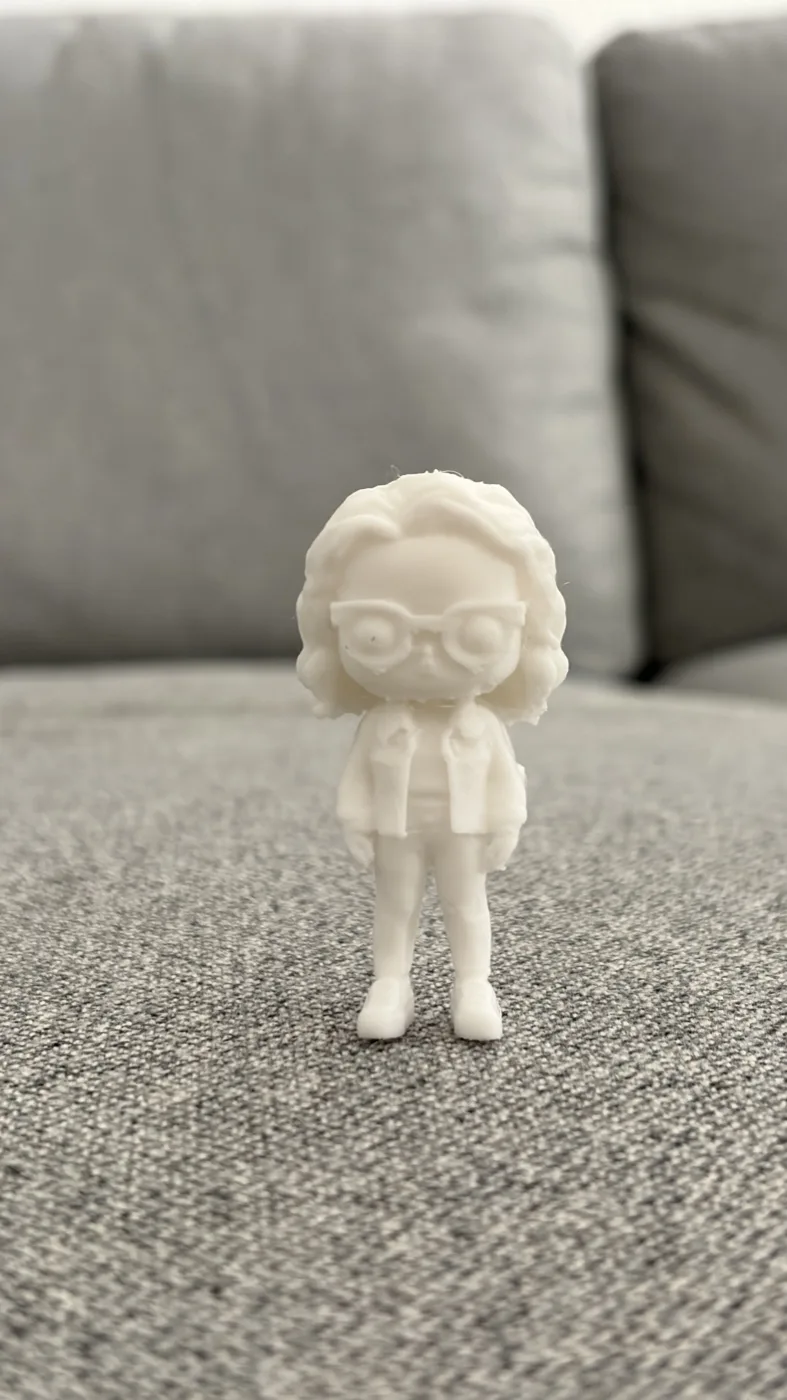
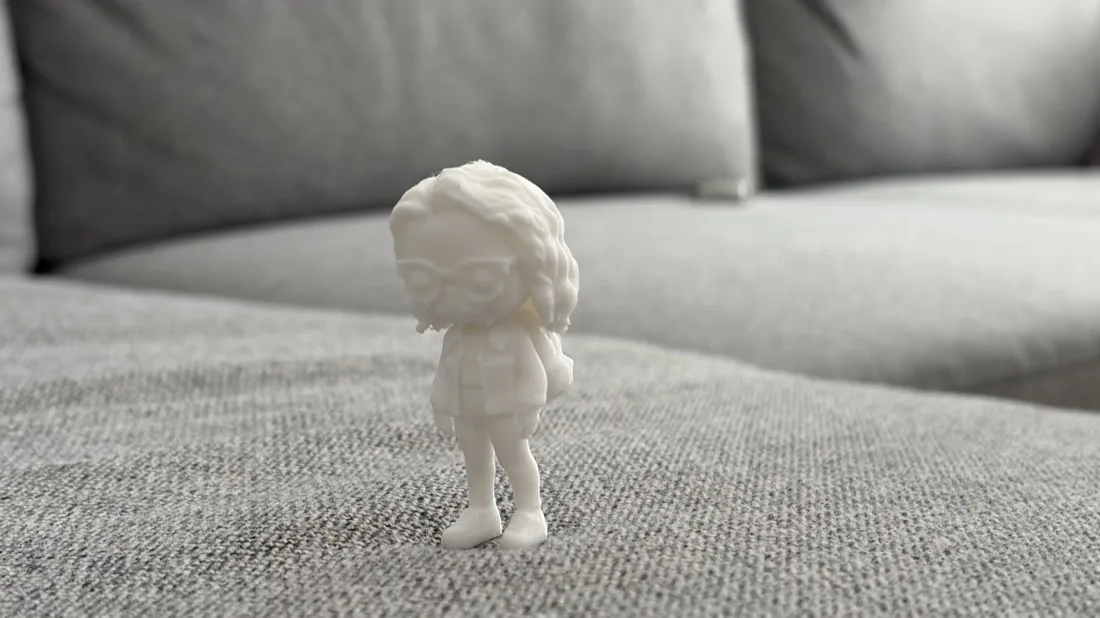
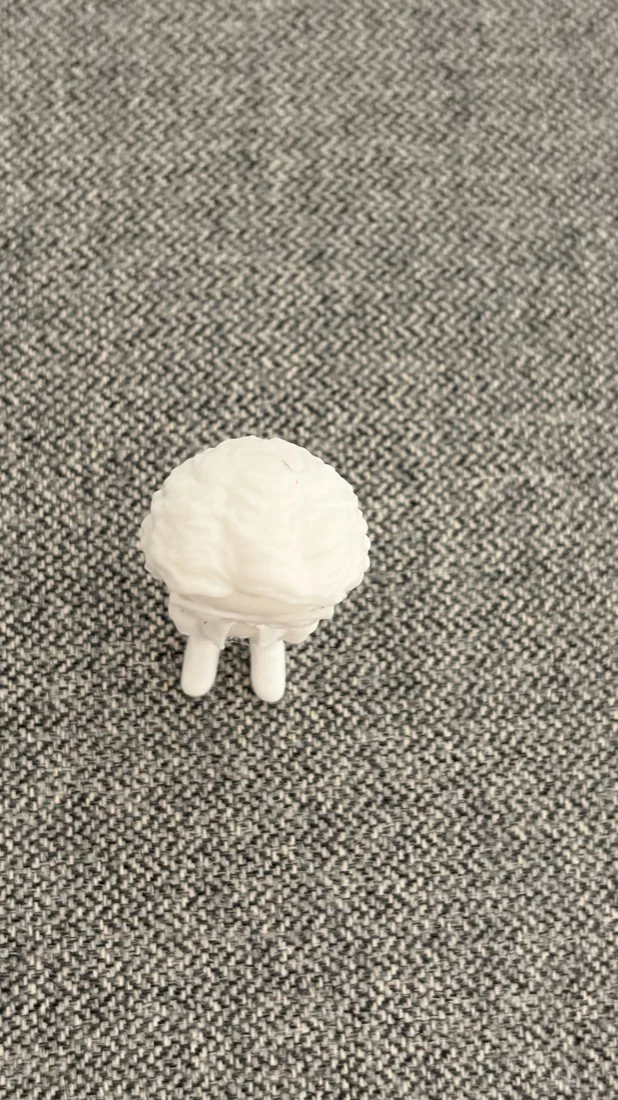
A stylized figure image reconstructs cleanly because it is symmetric, evenly lit, and stands on a plain background. You do not need a real figurine to start, a photo turned into a collectible style works just as well.
Start from a plain photo of the person or character. Ask an image tool like ChatGPT to restyle it as a collectible vinyl figure, standing straight and facing forward on a plain white background. The prompt below gets this look.
Drop the image into 3D Mate and pick Step1X-3D for sharp, printable geometry. It runs on your Mac and builds a watertight mesh. This figure used the Balanced preset, geometry only.
Export STL or 3MF, open it in your slicer, scale to the size you want, add supports for the overhangs, and print. Prime and paint if you want color. See the 3D printing guide.
Paste this into ChatGPT (or any image model) with a photo, and swap the description in brackets for your subject.
Turn the person in this photo into a cute collectible vinyl figure, in the style of a Funko Pop or chibi character: oversized head, small simplified body, smooth matte finish, big stylized eyes. Keep their features recognizable [curly shoulder length brown hair, black rectangular sunglasses, a light denim jacket over a green top, grey jeans, white sneakers, and a small light blue backpack]. Full body, standing straight and facing forward, symmetrical neutral pose with arms down at the sides. Soft even studio lighting, plain solid white background, centered product shot. No text, no drop shadow.
Tip: a straight, front facing, symmetric pose on a plain background is what lets one image become a clean single piece. Busy backgrounds and twisted poses are harder to reconstruct.