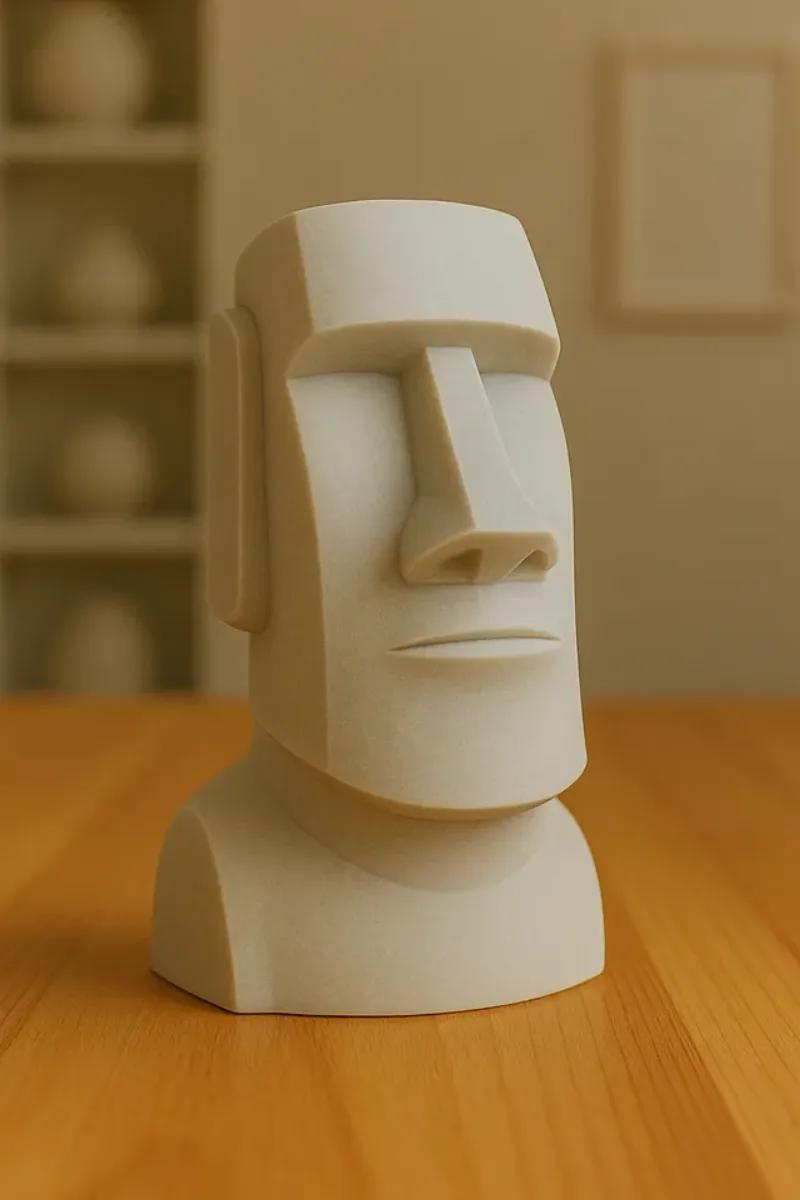
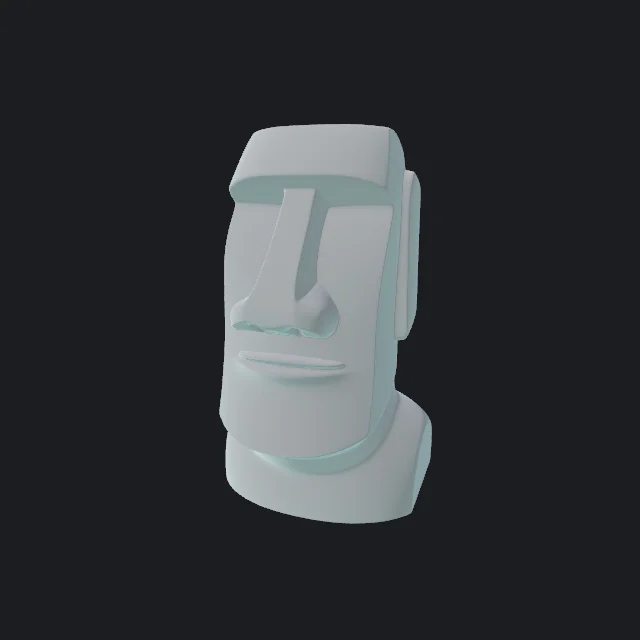
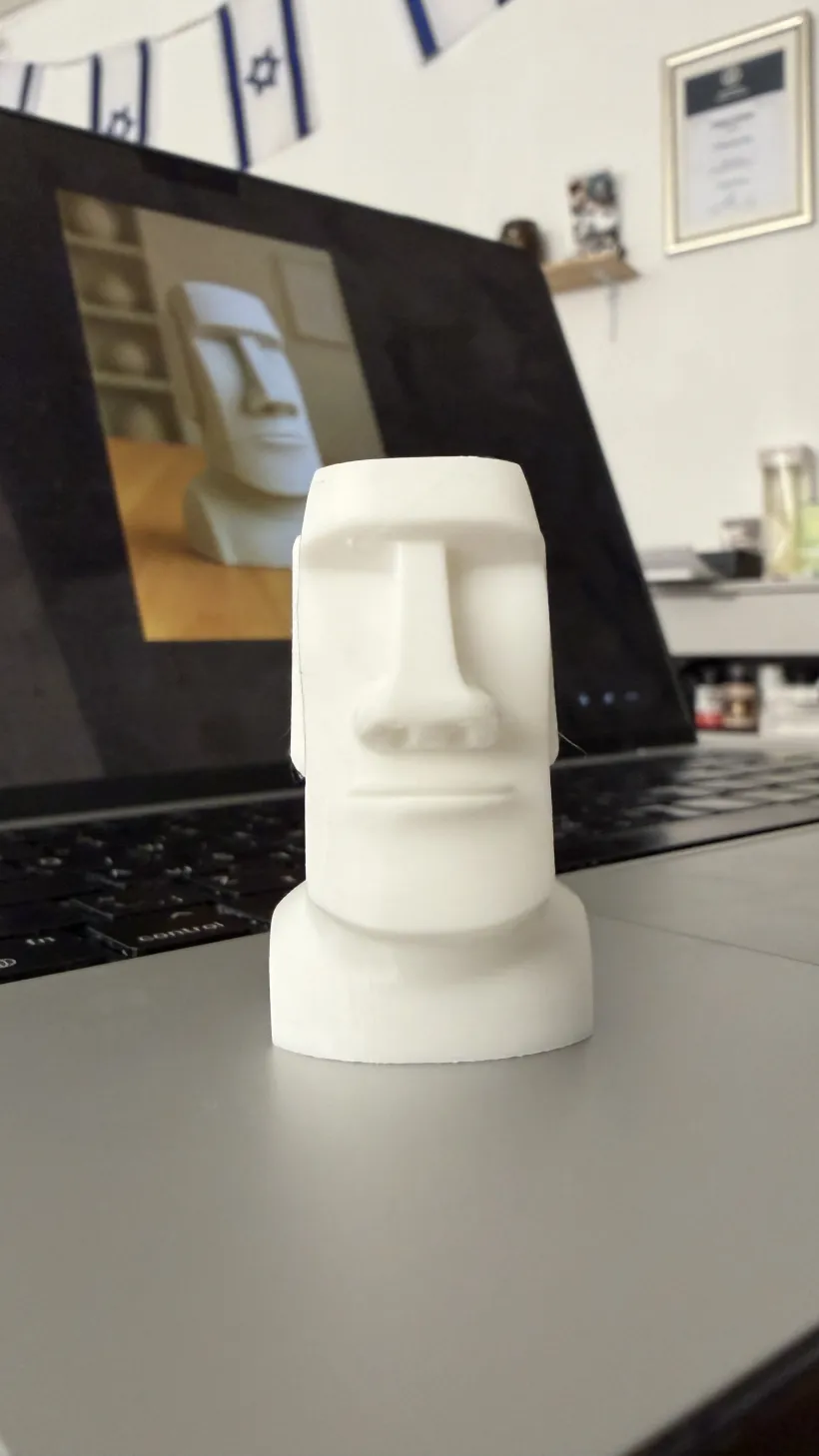
A real photo, generated in 3D Mate, exported as a print-ready file, and printed. See the full photo to 3D printing walkthrough.
Image to 3D/Image to STL
Get a watertight, print-ready STL from a single picture. 3D Mate builds the 3D geometry with local AI on your Mac, then exports an STL or 3MF that opens straight in your slicer, no repair needed.
A real photo, generated in 3D Mate, exported as a print-ready file, and printed. See the full photo to 3D printing walkthrough.
This is the part most people get wrong, and it matters.
A JPG or PNG is flat. It stores color for each pixel and nothing about depth. An STL is the opposite: it stores 3D geometry, a surface of triangles in space, with no color at all. You cannot turn one into the other by renaming the file or running a quick "converter."
To get from a picture to an STL, something has to invent the third dimension: the depth, the sides, and the back that the photo never showed. That is exactly what an AI image-to-3D engine does. It looks at your image, infers a plausible 3D shape, and builds a mesh. Only then can that mesh be written out as an STL.
So the real pipeline is image → AI-generated 3D model → STL. 3D Mate runs all of it on your Mac, and the print export makes sure the STL that comes out is closed and printable rather than a hollow shell a slicer would reject.
Six steps, all on your Mac.
Use a clear, well-lit picture of one subject. The background is removed automatically. A few angles improve the back.
Pick an engine built for printable shape and generate on your GPU. The result is a solid 3D model, not a picture.
Rotate it in the viewer to confirm the shape reads well and there are no gaps before you commit to a print.
The print export is watertight, upright, and real-scale, so the file is ready to slice with no repair.
Open the STL in Bambu Studio, Cura, or PrusaSlicer. Set scale and orientation for the look you want.
Add supports for overhangs, choose a layer height, and print. See image to 3D print for the full run.
For fabrication, clean and watertight geometry matters more than a pretty texture.
Clean, watertight geometry with crisp edges, made for 3D printing.
The sharpest geometry of any engine here, with fine, well-defined edges.
The dependable default. Balanced, solid results on almost any subject.
A watertight mesh is the whole game for printing. See what a watertight mesh is and why it matters.
The workflow is the same whatever the image format. Open your JPG, PNG, or HEIC in 3D Mate, generate a 3D model, and export STL. The format of the picture does not change the fact that the AI has to build the geometry first; a higher-quality, well-framed photo simply gives the engine more to work with.
3D Mate exports the STL upright and at a sensible real-world size, so it lands on the build plate the right way up. In your slicer you can rescale to the exact size you want and rotate to reduce supports. For small, detailed pieces, drop the layer height. The tabletop miniature guide covers tiny prints specifically.
Local on your Mac, watertight by default, free to try.