Drag to rotate
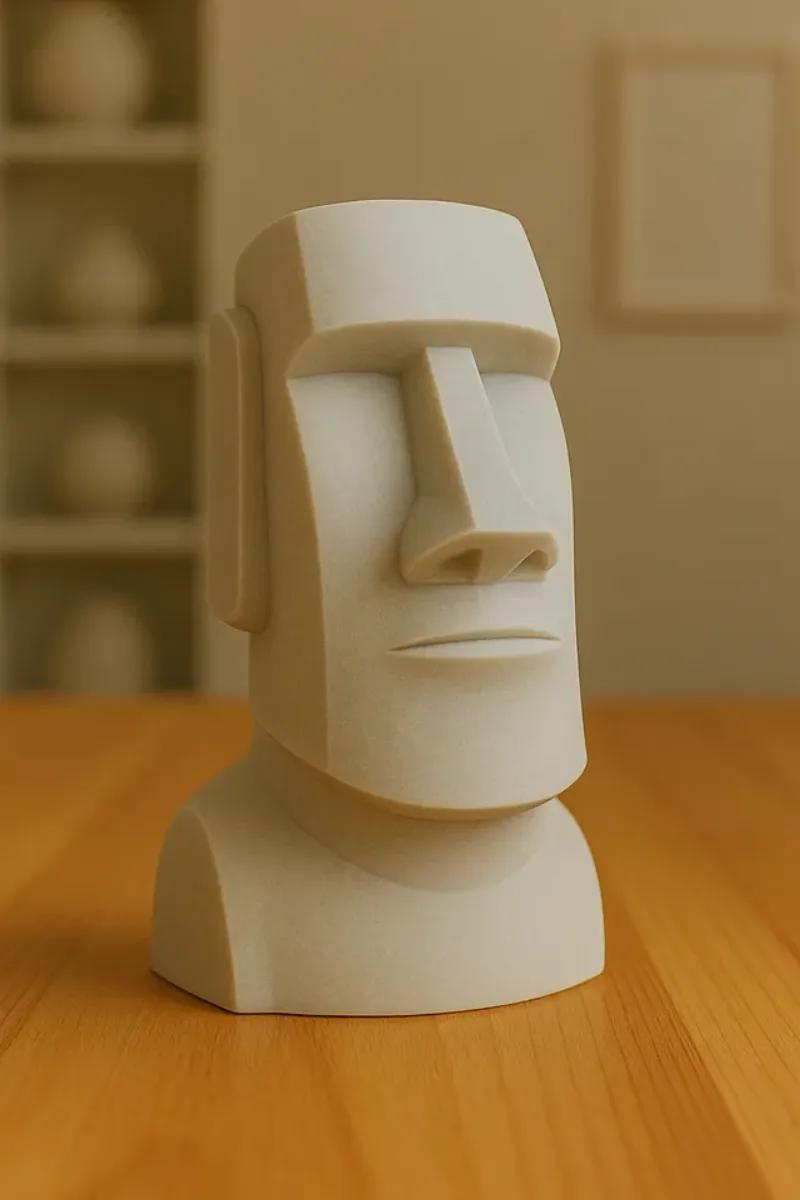
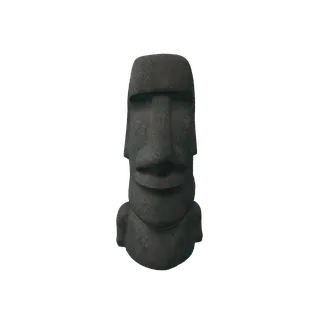
A real photo, turned into a 3D model in 3D Mate. Drag the model to look around it.
3D Mate is a native Mac app that turns an image into a real 3D model with local AI. Pick an engine, generate on-device, inspect, and export. No uploads, no telemetry, no generation credits.
A real photo, turned into a 3D model in 3D Mate. Drag the model to look around it.
Every result below started as an ordinary picture. Each was generated on a Mac and rendered in the app's own viewer.
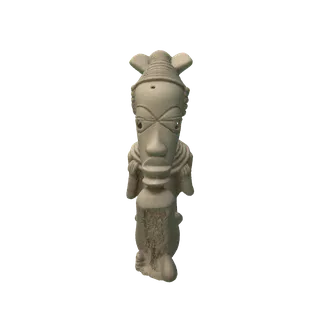
A museum sculpture photo becomes a textured, collectible 3D model.

A single product shot becomes a clean, textured mesh for the web or a store.

A toy or character photo becomes a game-ready asset you can pose and export.
See the full set of interactive examples on the 3D Mate home page, or browse every engine in the model library.
Six steps, all on your Mac. No terminal, no Python, no cloud account.
Drag in a photo, or right-click a file in Finder and choose Open With, 3D Mate. JPG, PNG, and HEIC all work.
The background is removed automatically, so the model is built from the subject you meant, not the room behind it.
Pick a local AI engine to match the subject and your Mac's memory. Each is a one-time install from inside the app.
Watch the model take shape on your GPU. Pause and resume any time. Queue a whole folder and come back later.
Rotate, zoom, and switch materials in a studio-lit viewer. The same rig renders what you export.
Export GLB, USDZ, OBJ, STL, PLY, or 3MF, plus transparent PNG stills and turntable video.
Most tools give you one model. 3D Mate installs a growing set of local engines, each strong at a different kind of subject. Install only the ones you want.
Microsoft's model and the recommended default. Dependable all-round quality from a single image.
The cleanest, sharpest geometry of any engine here, then painted from your photo.
Turns one photo into clean, watertight geometry with crisp edges, made for 3D printing.
Reads the surface normals of your photo, then reconstructs the shape, recovering fine relief.
Stability AI's fast engine: a UV-unwrapped, textured mesh in seconds, light on memory.
Stability AI's successor to Stable Fast 3D: a textured mesh plus an editable point cloud.
Meta's single-image engine, converted to run on Apple Silicon. One masked photo to a textured mesh.
The fastest engine here: a textured draft in under a minute, light enough for an 8 GB Mac.
TencentARC's pixel-back-projection model, ported to Apple Silicon. Geometry that follows your photo closely.
Prefer a real object over a generated back? Photo Scan uses macOS Object Capture to measure the true shape from many photos, built in and not AI. Hunyuan3D-2 is coming for even higher detail. Compare them all in the model comparison.
The same starting point leads to different jobs. Pick the one that matches what you actually need.
Get editable geometry and textures you can take into Blender, a game engine, AR, or product visualization.
You have a picture of a real thing and want it in 3D. Start here for the plain-English version.
You specifically need an STL for a slicer or CNC. See why it is more than a file conversion.
The whole journey from a picture to a physical object on your printer's bed.
Exports fit the destination: GLB and USDZ for web and AR, OBJ for editing, STL and 3MF for printing. See the 3D file formats guide.
Single-image AI reconstructs the sides it cannot see by inference. The clearer your subject, the less it has to guess, and the closer the model matches what you had in mind.
If the back or underside matters, add a few more photos of the same object from other angles. 3D Mate combines them so the model has a real back instead of an inferred one. For a walkthrough aimed at people, see 3D character from a photo.
Most image-to-3D tools upload your picture to a server, meter each generation, and need an account. 3D Mate does the opposite.
Generation runs on your Mac's GPU. Your photos and models never leave the machine.
Install an engine once, then generate with the network unplugged. No round trips, no queue.
Generate as much as you like. A licence unlocks the app; there are no per-model fees.
A model is only useful in the format your destination needs. 3D Mate exports all six, plus stills and video.
| Format | What you would use it for |
|---|---|
| GLB | The web, real-time apps, and game engines. Compact and carries textures. GLB vs USDZ. |
| USDZ | Apple AR Quick Look on iPhone, iPad, and Vision Pro. What is USDZ. |
| OBJ | General interchange and editing in Blender and most 3D software. |
| STL | 3D printing and CNC. Watertight and print-ready. Image to STL. |
| 3MF | Modern 3D printing with units and color, for slicers like Bambu Studio and PrusaSlicer. |
| PLY | Point clouds and research or editing pipelines. |
Plus transparent PNG stills and turntable or camera-path MP4 video, rendered with the same studio lighting you see in the viewer.
Free to try on your Mac. No account, no uploads, no credits.